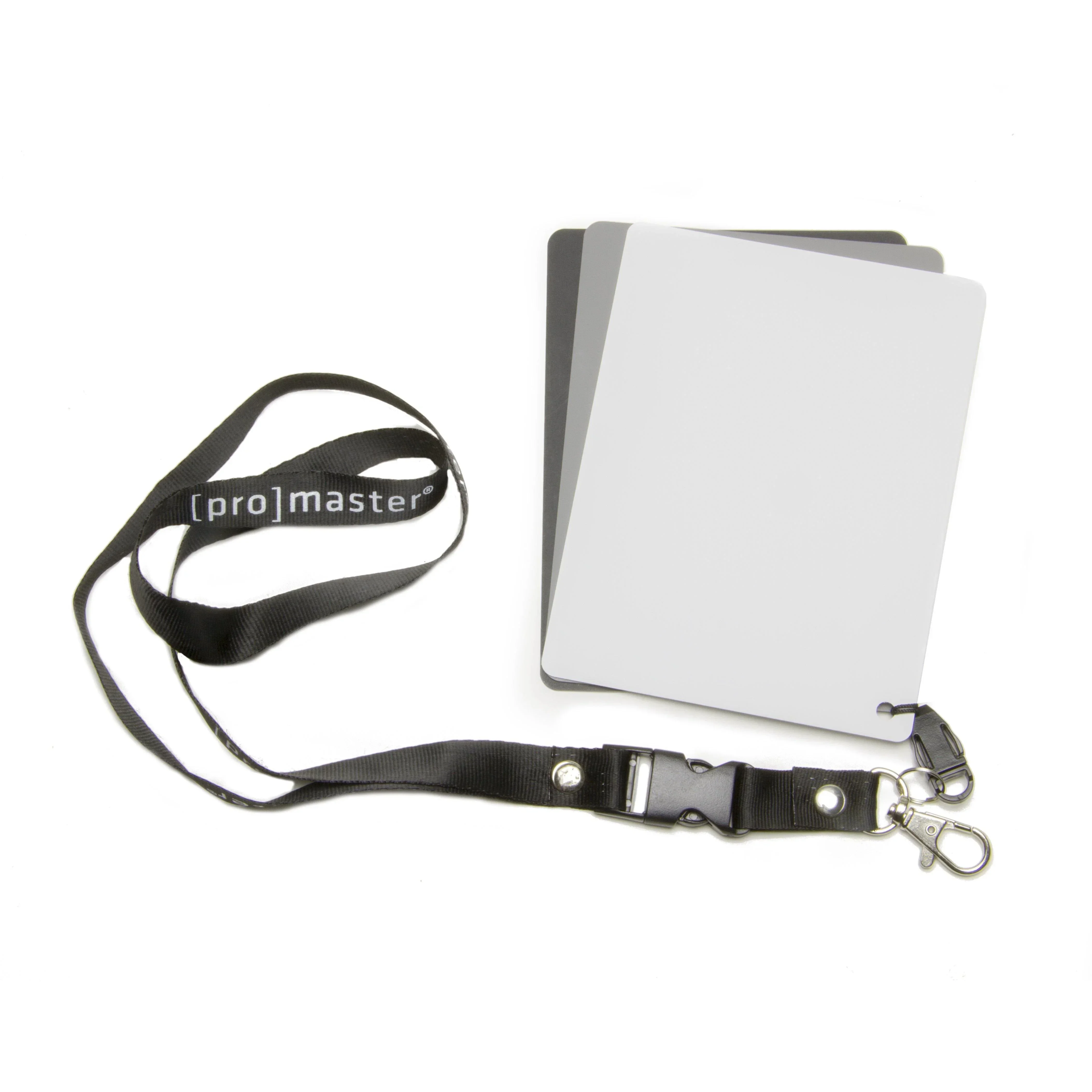
ProMaster 3-in-1 Digital Exposure Set
The Promaster 3-in-1 Digital Exposure Set is the user-friendly, indispensable color correction tool that belongs in every photographer's bag.
Using this set of three cards - black, white and neutral gray - simply take a picture of the card under the same lighting conditions as your subject. Use the auto white balance and program mode on your camera to take the picture. Use this picture as the basis for a custom white balance setting. Follow your camera’s instructions to set a custom white balance.
The glossy surface of these cards will show any reflections that may lead to incorrect white balance. If reflections are seen on the card surface during a white balance operation, reposition the card so that the reflections are eliminated.
Original: $12.95
-65%$12.95
$4.53ProMaster 3-in-1 Digital Exposure Set
The Promaster 3-in-1 Digital Exposure Set is the user-friendly, indispensable color correction tool that belongs in every photographer's bag.
Using this set of three cards - black, white and neutral gray - simply take a picture of the card under the same lighting conditions as your subject. Use the auto white balance and program mode on your camera to take the picture. Use this picture as the basis for a custom white balance setting. Follow your camera’s instructions to set a custom white balance.
The glossy surface of these cards will show any reflections that may lead to incorrect white balance. If reflections are seen on the card surface during a white balance operation, reposition the card so that the reflections are eliminated.
Product Information
Product Information
Shipping & Returns
Shipping & Returns
Description
The Promaster 3-in-1 Digital Exposure Set is the user-friendly, indispensable color correction tool that belongs in every photographer's bag.
Using this set of three cards - black, white and neutral gray - simply take a picture of the card under the same lighting conditions as your subject. Use the auto white balance and program mode on your camera to take the picture. Use this picture as the basis for a custom white balance setting. Follow your camera’s instructions to set a custom white balance.
The glossy surface of these cards will show any reflections that may lead to incorrect white balance. If reflections are seen on the card surface during a white balance operation, reposition the card so that the reflections are eliminated.